


SECRET SERVER CLOUD -> DELINEA PLATFORM

Your upgrade to Secret Server on the Delinea Platform is now available!

You will be able to complete this upgrade with no disruption to your vault while getting access to new capabilities and benefits. This page covers how to upgrade, what you gain, and where to find help.

delinea-platform-upgrade-interactive-anim

Watch now to see the powerful new enhancements Secret Server gains on the Delinea Platform. 


Watch now to see the powerful new enhancements Secret Server gains on the Delinea Platform. 


How to Upgrade

Want the technical details before you start? The Platform Upgrade Center documentation walks through the full process. 

Open settings

Sign in to your Secret Server Cloud UI and go to Settings.


Launch the Upgrade Center

Open the Platform Upgrade Center. Already have a Platform tenant? It picks up from where you are.


Follow the guided workflow

Complete the steps in order. Using Active Directory? Start with the QuickStart Guide below.

 
A note on renewals: As part of the upgrade, your renewal SKUs update to reflect the transition. This is a commercial change only — Secret Server functionality stays the same.
99.995% uptime SLA
Built-in resiliency with no planned or scheduled downtime.
Stronger identity assurance
Advanced MFA enforcement, discovery, inventory and session recording.
Greater value
Eligibility for additional sites, distributed engines, unlimited secrets and Connection Manager at no added charge — ask your account team.
Real-time visibility
Enhanced analytics for greater control and security.
Native integrations
Connect third-party apps through the Delinea Marketplace.
AI when you choose
Opt in to Delinea Iris AI and the Delinea Expert assistant.
FAQs
Answers to the most common upgrade questions.
Weekly Office Hours
Live Q&A with Delinea technical experts in Secret Society.
Community Forum
Ask questions and get answers from the Delinea team.
Need More Help?
If you are in the upgrade process and need help, use the Support Portal to open a ticket. Do not email support to create a ticket.

  • As you open that ticket, please specify “I am in the process of upgrading to the Delinea Platform, and I have [these questions] or [these problems].”
If you need more help to guide you through the process, the Support team will connect you with the Delinea Center of Excellence to assist with your upgrade.

As always, your Delinea account team also stands ready to field any questions that you have.

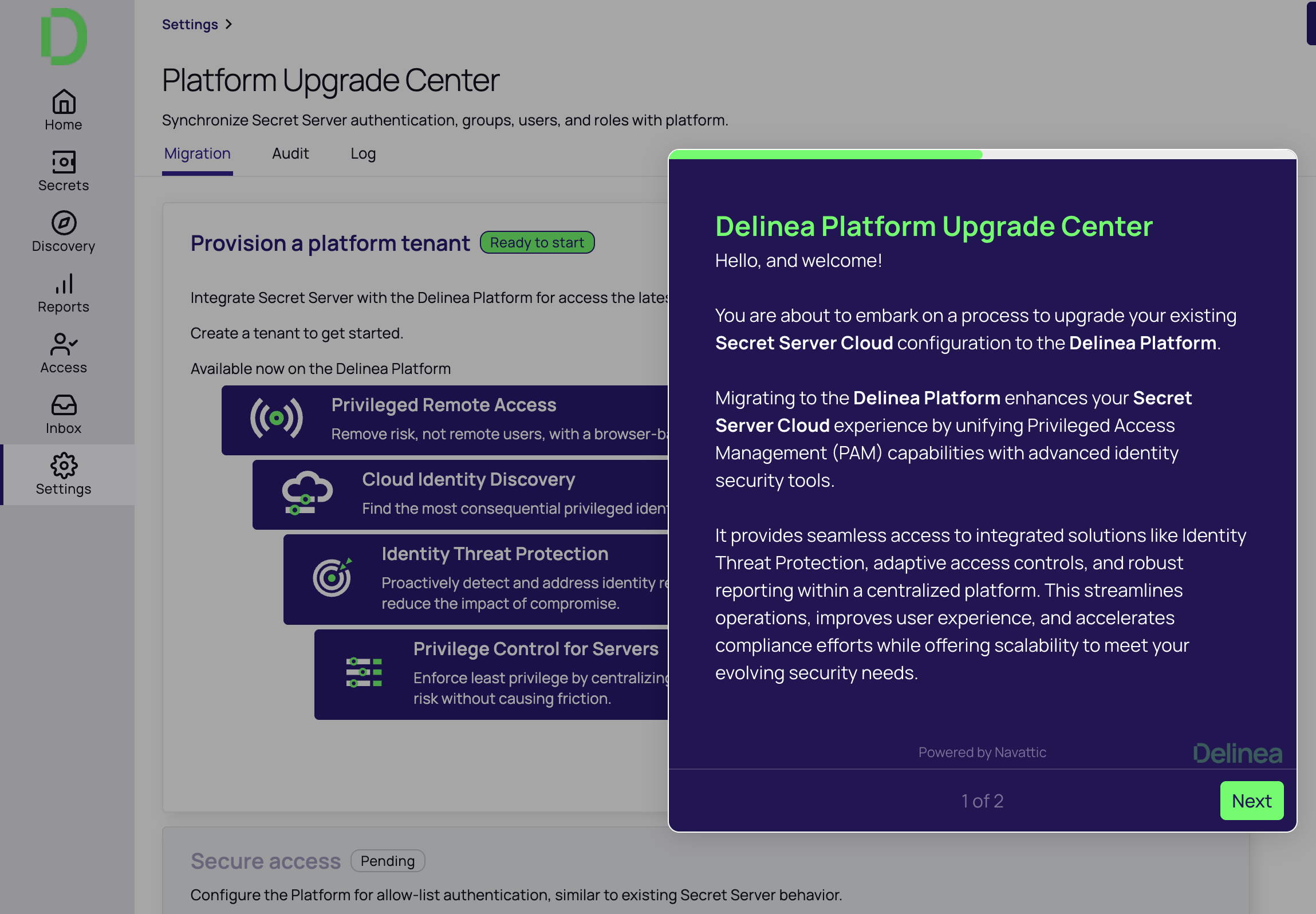
Navigate to ‘Settings’ in your Secret Server Cloud UI and open the Platform Upgrade Center: The Platform Upgrade Center will guide you through the steps to upgrade to Secret Server on the Delinea Platform at no cost.

If you already have a Platform tenant, the Platform Upgrade Center will help you navigate through the remaining steps.

By upgrading to Secret Server Delinea Platform, you can:

  • Worry less about figuring out how to support resiliency, and take advantage of the built-in 99.995% uptime SLA, with no planned or scheduled downtime
  • Become more secure by using real-time visibility for greater control and security with enhanced analytics
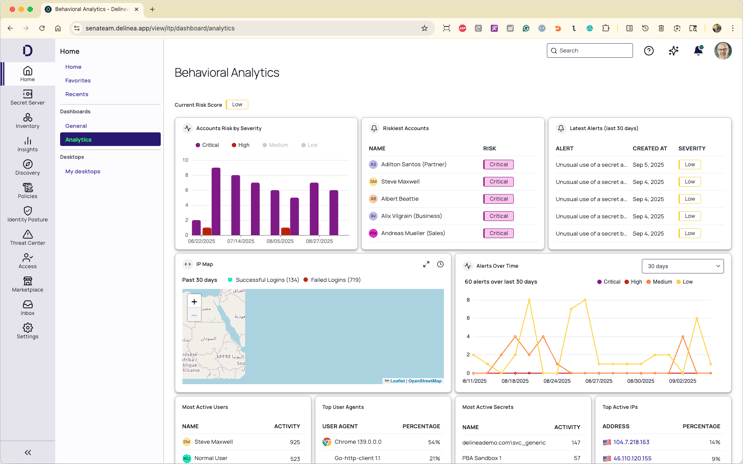
    delinea-screenshot-platform-upgrade-analytics-why-upgrade

  • Benefit from advanced MFA enforcement, as well as enhanced discovery, inventory, session recording -and more, for additional identity assurance
  • Leverage native integration with 3rd party applications to break down security silos and speed time to value, via the Delinea Marketplace
  • Moving forward, you will be eligible to receive additional sites, distributed engines, unlimited secrets, and entitlement to Connection Manager for no additional charge, contact your Delinea account team to learn more
  • Opt in to make your security team more productive by leveraging automation and advanced, context-aware AI, taking advantage of the leading-edge capabilities of Delinea Iris AI
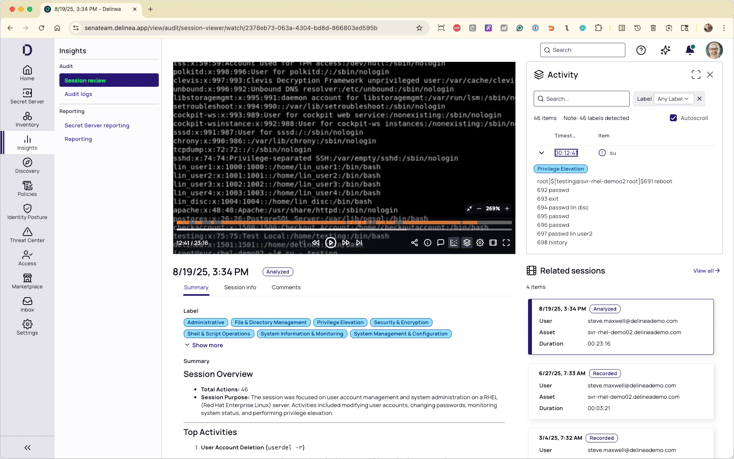
    delinea-screenshot-platform-upgrade-auditing-delinea-iris-ai

  • Leverage AI-driven assistant capabilities to help make admins more effective, using Delinea Expert, if you chose
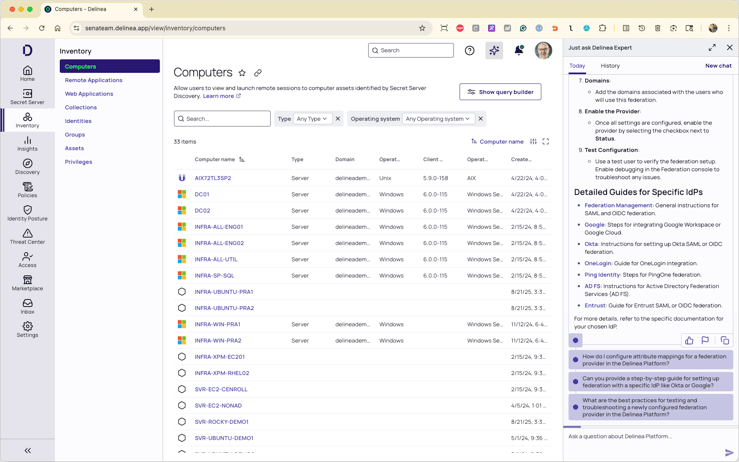
    delinea-screenshot-platform-upgrade-delinea-expert

  • In the future, your organization can mature your identity security program to protect all identities across hybrid cloud environments easily through additional modules available on the Delinea Platform.

Upgrade help

  • Refer to the FAQs for the most frequently asked questions.
  • Ask any questions and get answers from the Delinea team in the Delinea Community Forum in Secret Society
  • Join weekly Office Hours led by Delinea technical experts for any questions you have about the upgrade. Office hours are held via our customer community, Secret Society. If you are not already a member, take two minutes and sign up!
    • As you open that ticket, please select the following from the picklist as you create your ticket:
      • Case Record Type: Technical Support
      • Product Type: Delinea Platform
      • Product Family: Platform Upgrade Center
    • Then, please also specify “I am in the process of upgrading to the Delinea Platform, and I have [these questions] or [these problems].”If you are in the upgrade process and need help, use the Support Portal to open a ticket. Do not email support to create a ticket
  • A note on renewals: As part of the Platform upgrade process, your renewal SKUs will update to reflect this transition. This is a commercial change only. Your Secret Server functionality stays the same. Complete the technical upgrade to access the full Platform experience and all of its new benefits.
  • If you need more help to guide you through the process, the Support team will connect you with the Delinea Center of Excellence to assist with your upgrade
  • As always, your Delinea account team also stands ready to field any questions that you have

Other Resources

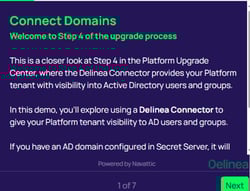
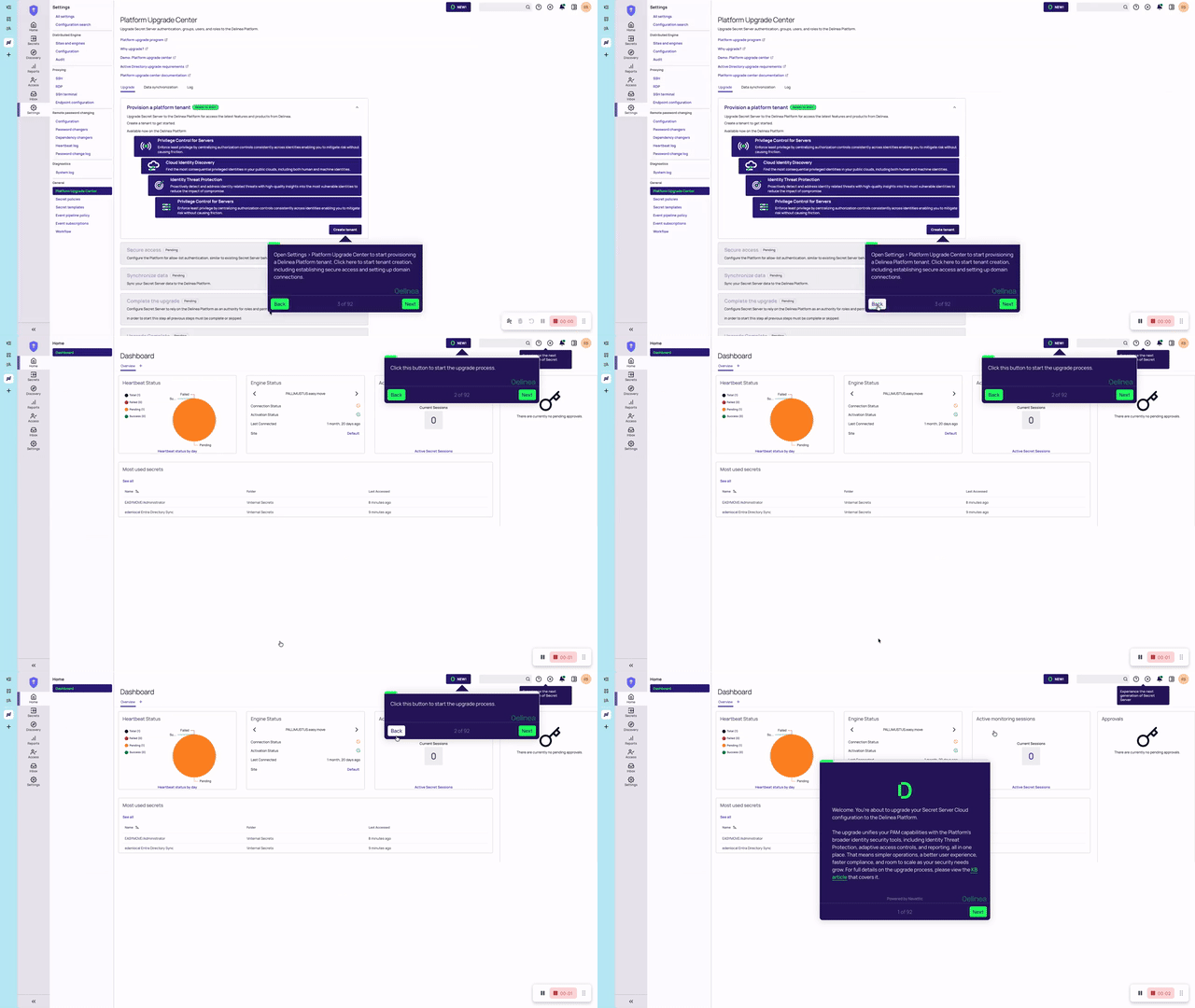
  • Refer to the interactive demo to understand the process or preview the brief journey in the Platform Upgrade Center before you begin
  • See a comparison of Secret Server Cloud and Secret Server on the Delinea Platform in this demo
  • Refer to the platform upgrade center documentation
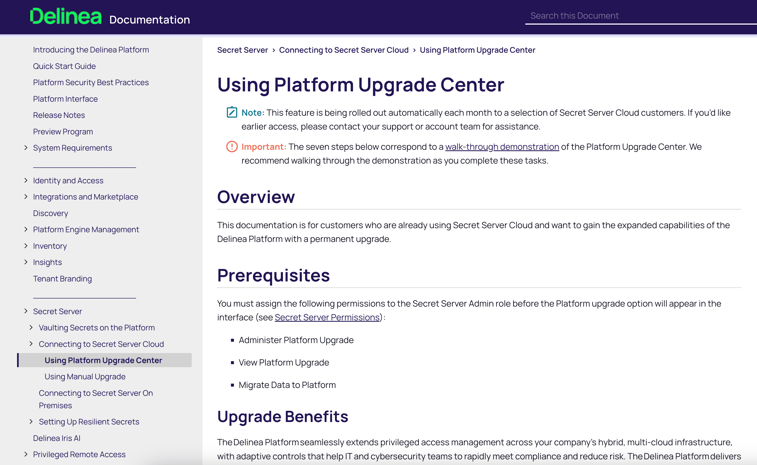
    delinea-screenshot-platform-upgrade-documentation
  • See the value of upgrading to the Delinea Platform in this quick exec overview.
  • IT Admins:  See the value of upgrading to the Delinea Platform in this quick admin overview.


NOTE: For customers using Active Directory, begin with the QuickStart Guide before starting the upgrade process.


Secret Server Cloud customers using Active Directory in their environments have just a few more steps to take as part of the Upgrade Program to support a smooth upgrade experience. Please use the resources here - the QuickStart Guide for Active Directory users and this short demo video - to gain a full understanding of the requirements and steps.

  • The QuickStart Guide walks you through five essential prerequisites necessary for Active Directory Users.
    delinea-onepager-quick-start-guide-secret-server-cloud-customers-using-ad-thumbnail


About the Delinea Platform upgrade

What’s changing:

  • A more robust, modernized experience for vault administrators
  • Vault admins will access Secret Server on the Delinea Platform through a new URL
  • Configuration and management of users, groups, permissions, and roles will shift from Secret Server Cloud to the Delinea Platform to consolidate identity management and improve efficiency and control
  • Access to a new enhanced authentication service and many new features and capabilities available through the Delinea Platform
  • Enhanced architecture with an industry-leading SLA of 99.995% uptime and zero downtime upgrades

What’s not changing:

  • Your vault and all associated secrets and permissions will stay exactly where they are
  • Vault users can keep the same familiar experience
  • All your integrations remain configured
  • All your customizations remain intact
  • All historical data and audit trails remain visible
  • You keep all functionality and features you currently have
  • Sites and Distributed Engines will continue to function as-is


delinea-screenshot-platform-upgrade-interactive-demo


What’s changing:

  • A more robust, modernized experience for vault administrators
  • Vault admins will access Secret Server on the Delinea Platform through a new URL
  • Configuration and management of users, groups, permissions, and roles will shift from Secret Server Cloud to the Delinea Platform to consolidate identity management and improve efficiency and control
  • Access to a new enhanced authentication service and many new features and capabilities available through the Delinea Platform
  • Enhanced architecture with an industry-leading SLA of 99.995% uptime and zero downtime upgrades

What’s not changing:

  • Your vault and all associated secrets and permissions will stay exactly where they are
  • Vault users can keep the same familiar experience
  • All your integrations remain configured
  • All your customizations remain intact
  • All historical data and audit trails remain visible
  • You keep all functionality and features you currently have
  • Sites and Distributed Engines will continue to function as-is


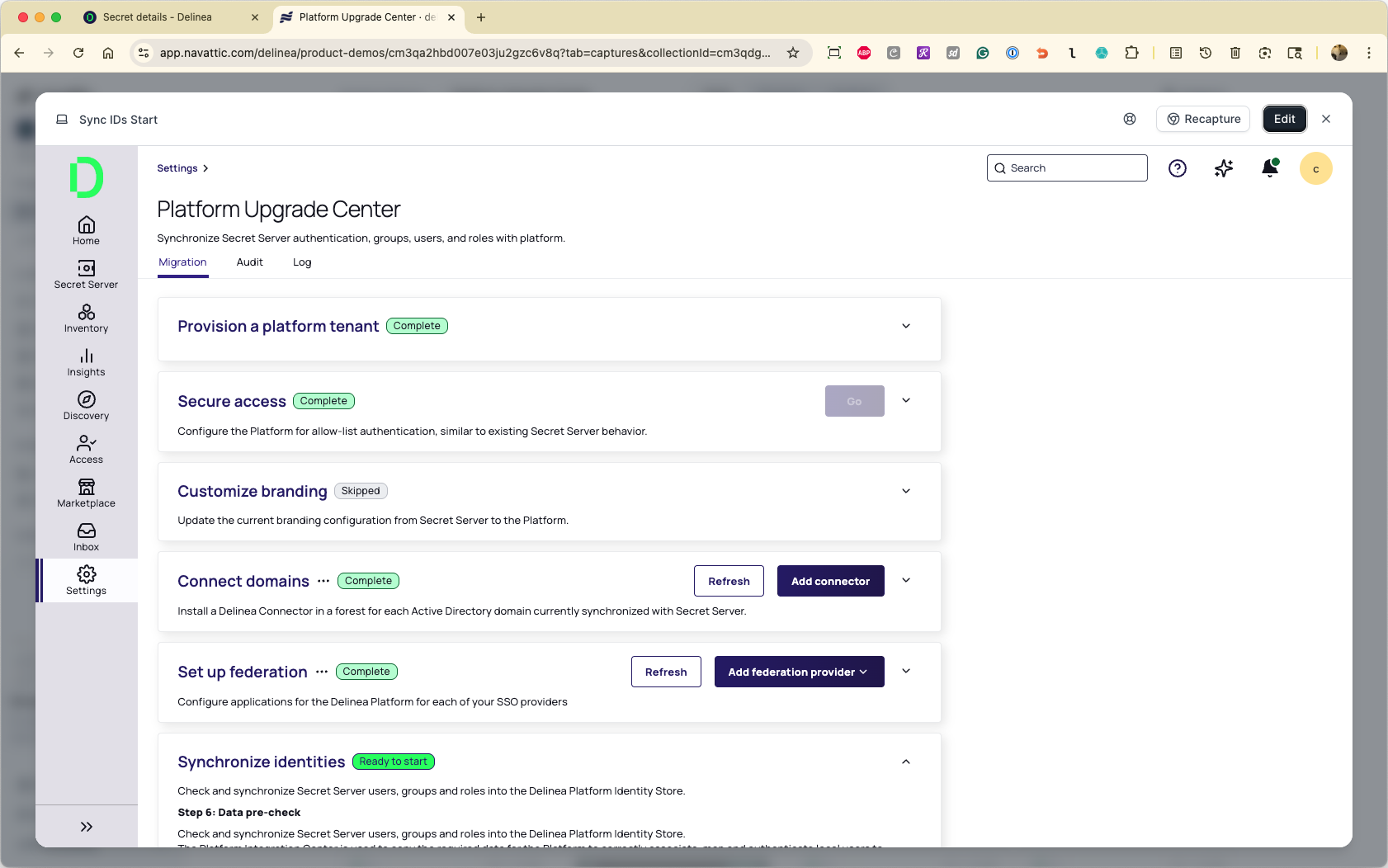
delinea-screenshot-platform-upgrade-program-workflow

How the upgrade works

The upgrade steps are completed in the Platform Upgrade Center. The guided workflow makes this process simple and fast for most customers, who can complete the workflow in as few as 2 hours over 1-2 days, depending on your change management policies.